Google Photos now lets you stop Memories from ruining the mood
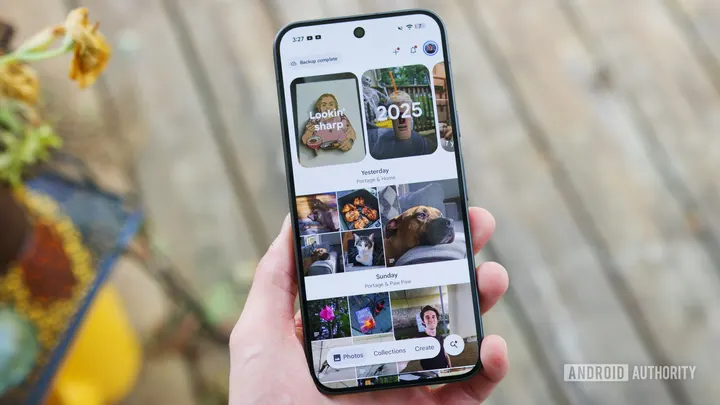
TL;DR Google Photos is finally getting a toggle to disable background music in Memories. Turning off the toggle disables background music on all Memories, including the End of Year Recap. It seems to be a server-side rollout, so you may have to wait for the feature to show up. I’ve always found Memories in Google Photos to be a useful and fun feature that often takes me back to the “good old days.” Whether it’s…
Affiliate links on Android Authority may earn us a commission. Learn more.
Google Photos now lets you stop Memories from ruining the mood
Nov 4, 2026 — 2:01 AM ET
- Google Photos is finally getting a toggle to disable background music in Memories.
- Turning off the toggle disables background music on all Memories, including the End of Year Recap.
- It seems to be a server-side rollout, so you may have to wait for the feature to show up.
I’ve always found Memories in Google Photos to be a useful and fun feature that often takes me back to the “good old days.” Whether it’s surfacing old clips of my friends and me from college or images from my first date with my wife, it’s usually great at showing the best moments of my life over the years. However, it sometimes adds the weirdest background music to Memories, which can pull you out of the experience. Fortunately, you can now stop that.
Google today announced that it’s finally giving users the option to turn off background music in Memories. This means you won’t get random music tracks added to your Memories in Google Photos. For Memories that contain video, users will still hear the recorded audio.
The company says that the toggle to disable background music in Google Photos’ Memories is available across all platforms. However, it seems to be rolling out via a server-side switch, as it’s not yet showing up on my test devices running the latest version of Google Photos.
Once the feature reaches your device, you can turn off Memories music by heading to Google Photos settings > Preferences > Memories. There, you can toggle off the new “Background music” setting.
It’s worth noting that if you turn off background music in Memories, Google Photos will also disable the music for your End of Year Recap. You can always choose to manually add music to your Memories, and the company has also updated the music library with new options.