Apple releases first iOS 27.3 public beta with redesigned Health app and more
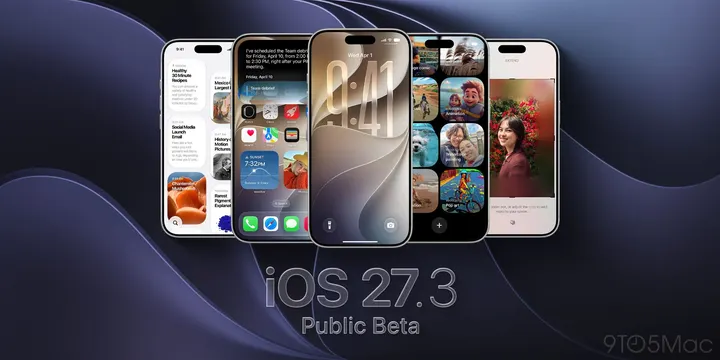
Apple has released the first iOS 27.3 public beta for iPhone. The update brings back the redesigned Health app that briefly appeared during iOS 27.2 testing. It also adds vertical tabs in Safari, gives Siri AI more to do across Apple’s apps, and makes the iPhone Duo easier to use with one hand. more…
Apple has released the first iOS 27.3 public beta for iPhone. The update brings back the redesigned Health app that briefly appeared during iOS 27.2 testing. It also adds vertical tabs in Safari, gives Siri AI more to do across Apple’s apps, and makes the iPhone Duo easier to use with one hand.
What’s new in iOS 27.3 public beta 1
Apple released the first iOS 27.3 developer beta on November 3. The biggest change is the redesigned Health app, which didn’t make it into the final iOS 27.2 release.
On iPhones that support Apple Intelligence, the new Insights tab brings together trends from sleep, activity, and more. The Longevity tab includes Health Age, which uses Apple Watch data to show how your health metrics compare with what’s typical for your age.
Here are a few more changes to try:
- Safari: Vertical Tabs and Adaptive Dark Mode let you move your tabs to the side and darken websites that don’t have their own dark theme.
- Siri AI: New actions in Apple apps let you ask Siri to make and save a playlist, schedule an iMessage to send later, or create a Journal entry.
- iPhone Duo: Reachability shifts content toward either side of the unfolded display so it’s easier to reach with your thumb.
- StandBy: More customizable clock faces come to other iPhones, with options for colors and complications.
- Apple Fitness+: Gym Strength builds a four-week lifting plan around your goals and the equipment you have.
For more changes, check out our full iOS 27.3 beta 1 roundup.
How to install iOS 27.3 public beta 1
Back up your iPhone, then sign up for the free Apple Beta Software Program with the same Apple Account you use on your iPhone.
Go to Settings > General > Software Update > Beta Updates and select iOS 27 Public Beta. Return to Software Update and tap Update Now when iOS 27.3 appears. If you’re already on the public beta track, you can check for the update directly in Software Update.
Are you installing the iOS 27.3 public beta? Let us know what you’re trying first in the comments.
Do more with your Apple products
AirPods 5 | Apple’s newest wireless headphones
Apple AirTag 2 | Add Find My tracking to keys, bags, bikes, more
AirPods Pro 3 | Apple’s best wireless headphones